Webpulse Analytics Dashboard
An internal analytics platform combining Google Search Console, GA4, and Bing Webmaster Tools for a global marketing team managing 30+ regional web properties.
Internal tool, v1.7, live in production
- Regional web properties across 6 GA4 property groups
- 30+
- Data sources unified: GSC, GA4, Bing
- 3
- Dashboard pages and tools
- 11
- Frontend framework dependencies: vanilla JS, no build step
- 0
The brief
- Challenge
- Analytics, search, and regional reporting were separate workflows. Page-level decisions required reviewing data from multiple sources.
- Solution
- Webpulse unified GA4, Google Search Console, Bing Webmaster data, exports, and AI-assisted analysis into one internal dashboard experience.
- My role
- Product strategy, architecture, API integration, interface design, analytics workflows, and AI-enabled reporting direction.
The screens
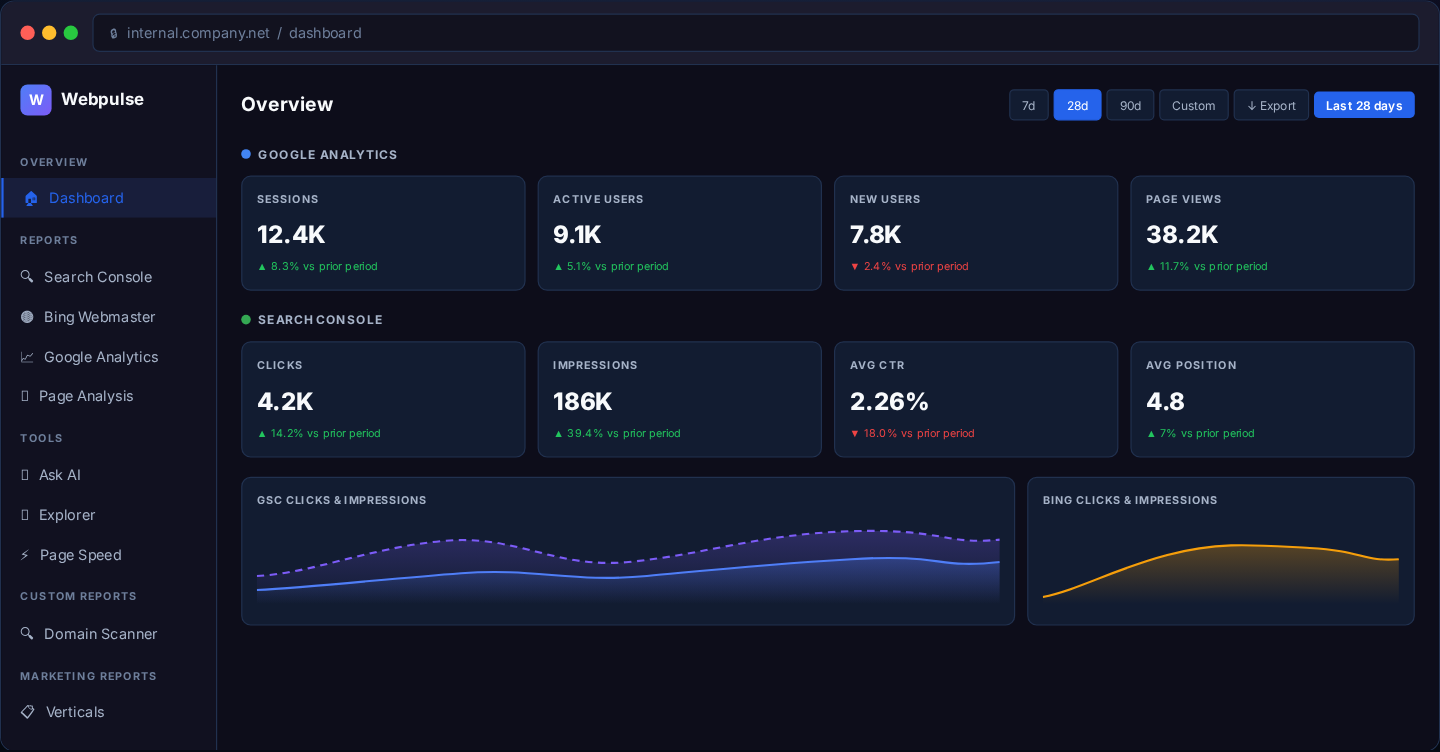
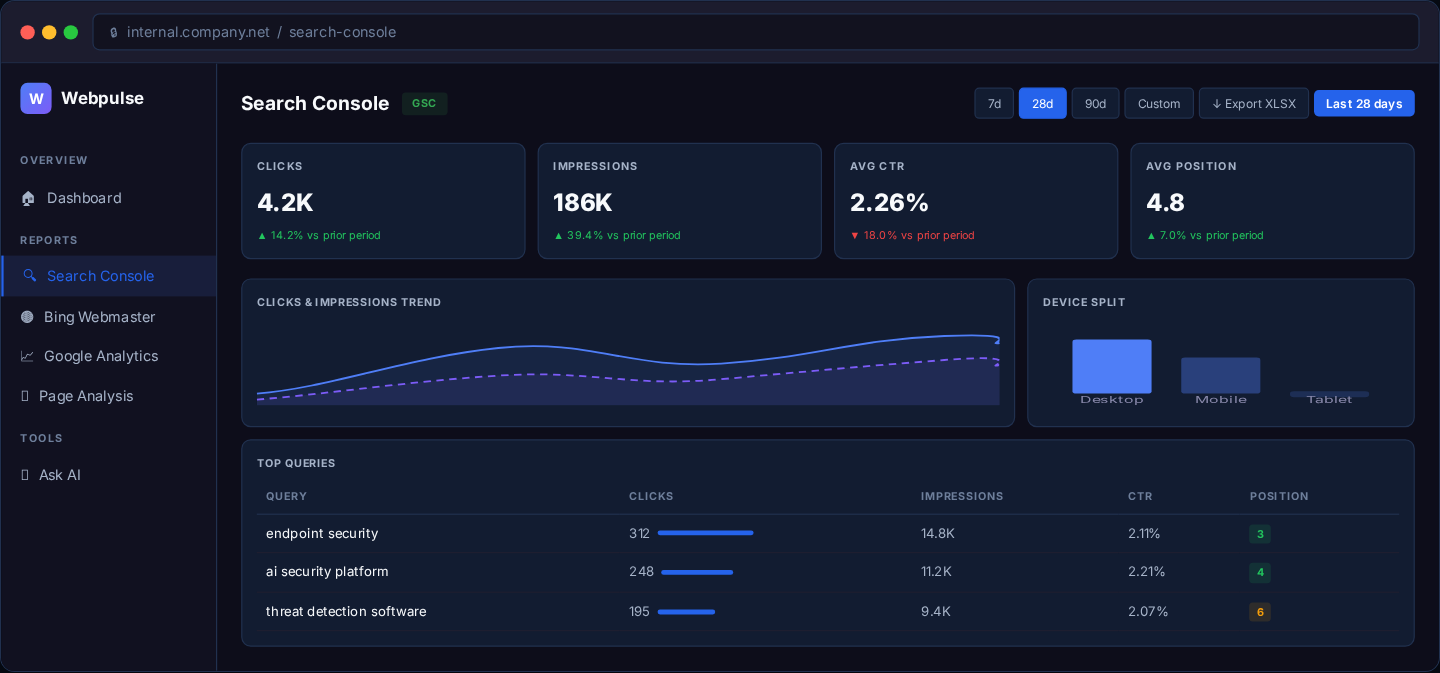
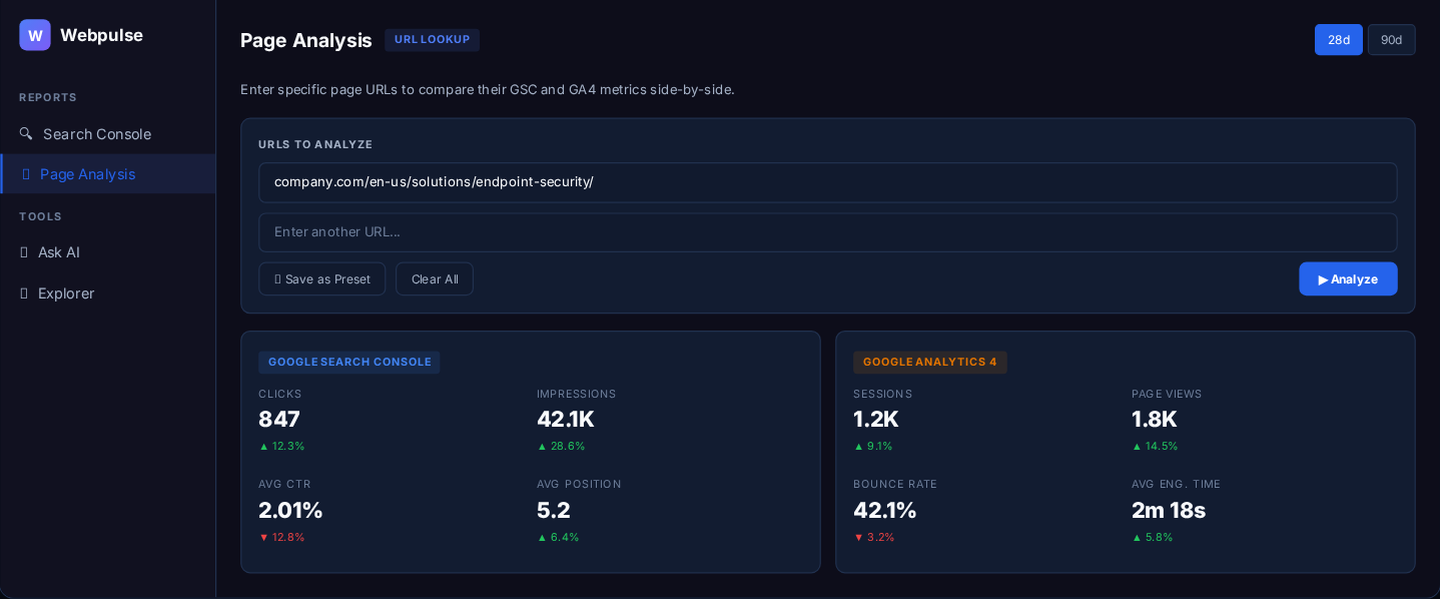
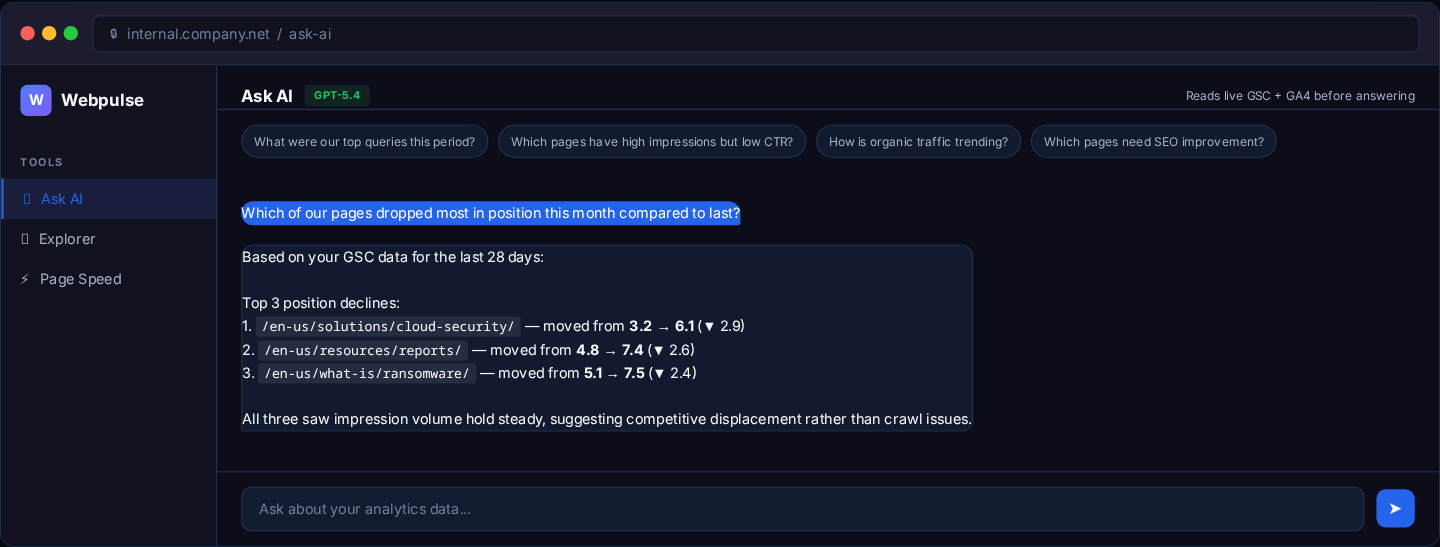
Four of the eleven views, captured from the product's published case study. Figures shown are illustrative sample data, not reported results.
Dashboard overview
Search Console
Page Analysis
Ask AI
What it does
- Unified dashboard
- Cross-source KPI overview pulling GA4 sessions, GSC clicks and impressions, and Bing performance with period-over-period comparison in a single view.
- Search Console deep dive
- Sortable tables for queries, pages, countries, and devices. One-click export to a 4-sheet XLSX workbook via SheetJS.
- Page analysis
- Auto-detects the right GA4 property and GSC site, normalizes locale variants, and shows side-by-side metrics for a page.
- AI analytics chat
- Ask in plain English about rankings, traffic trends, and CTR gaps, answered from live GSC and GA4 context.
- Domain scanner report
- Reproduces a PowerBI security scanner report inside the dashboard and tracks CTA tile interactions via GA4 event parameters across all locale sites.
- Verticals report
- Side-by-side GSC and GA4 comparison across 6 solution vertical pages on all regional sites, with one-click interactive HTML report export.
How it's built
Modular FastAPI backend with a zero-dependency vanilla JS frontend, running in Docker with OAuth 2.0 and service account authentication to Google APIs.
Stack
FastAPI · Python 3 · Vanilla JavaScript · GA4 Data API · Google Search Console API · Bing Webmaster API · Ahrefs API · Chart.js · SheetJS (XLSX export) · Docker + docker-compose · GPT-5.4 (internal endpoint) · OAuth 2.0 + Service Accounts · Google PageSpeed API · httpx (async HTTP)
Architecture highlights
- Modular FastAPI routers, one file per data source
- Same URL normalization logic in frontend and backend for consistent GSC lookups
- GA4 hostname and path-prefix filtering prevents cross-domain data bleed in shared properties
- OAuth 2.0 Web App flow for GSC with auto-refresh; Service Account for GA4
- Corporate SSL proxy handled via REQUESTS_CA_BUNDLE and NO_PROXY
In progress and upcoming
- Microsoft Clarity integration (parked, awaiting an API fix from Microsoft)
- BrightEdge SEO data integration
- Expanded custom report library
- Scheduled email digests